A real lens
Set the focal length from 18 to 200 mm. Long lenses flatten the perspective, the way catalogue shots do. The frame on the model shows exactly what the picture takes.
Put a material on every part, light the model like a photo studio and render it up to 4K, ray traced on your own graphics card. The picture goes straight into review, next to the model.
Studio is on every plan · Renders stay on your computer until you add them
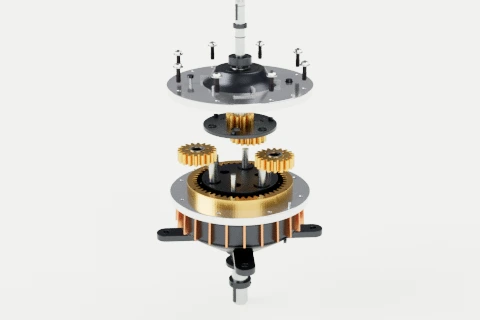
Materials
Click a part on the model or in the parts list, then pick a material, or drag one straight onto the part. Shift-click to dress several at once. Every change can be undone, and the model remembers it for the next version.
Metals 19
Plastics 15
Rubber 4
Glass 5
Paint 9
Lighting
Every light set comes with its softboxes in place: a key, a fill and a light from above. Move them around and over the model, change their size and colour temperature, or add your own. A bigger light gets softer, not brighter, just like in a real studio. Polished metal reflects the softboxes, so it reads as metal.
Plus your own HDRI on Solo, with brightness, rotation and exposure on every set.
Backgrounds and ground
The ground takes the background’s exact colour, so the model sits on a seamless sweep with only its own shadow under it. Choose how dark that shadow is and, on Solo, how much the floor reflects. Need a cut-out for a catalogue or a slide? Transparent drops the background altogether.
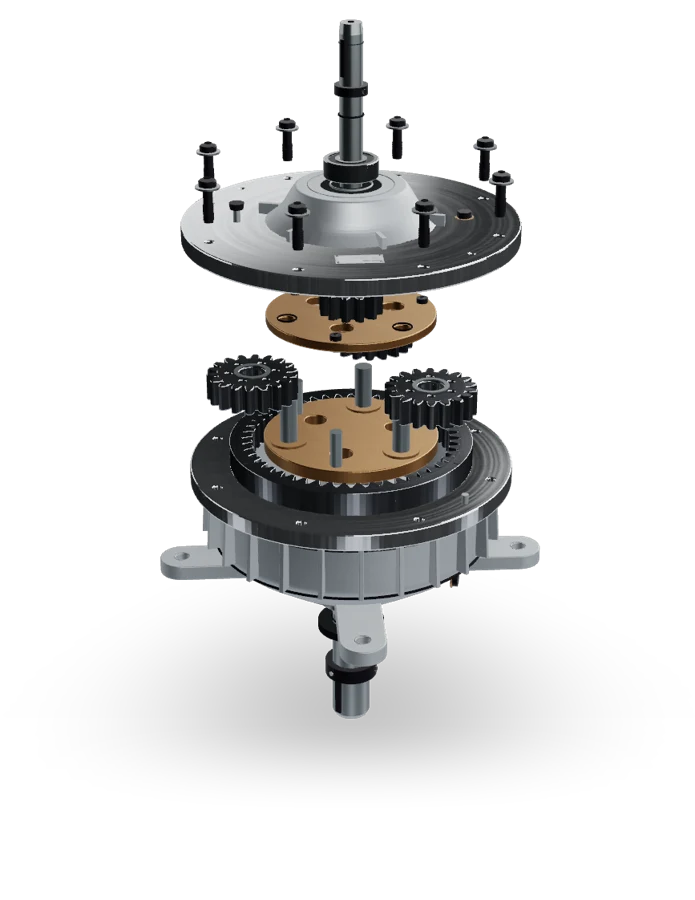
Camera and views
Set the focal length from 18 to 200 mm. Long lenses flatten the perspective, the way catalogue shots do. The frame on the model shows exactly what the picture takes.
Turn the model to an angle you like and save it. Render any saved view, or several at once, and get the same shots again when v4 arrives.
Blur what's out of focus, with the aperture you choose, and focus on the model or on one part. On Solo, in Rendered view and in Final renders.
Renders
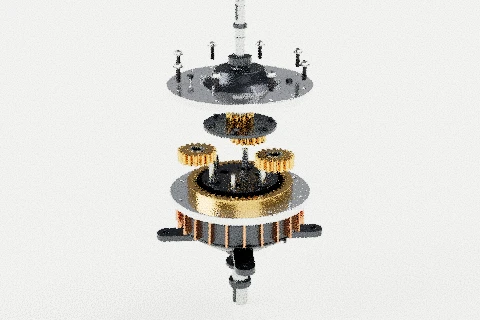
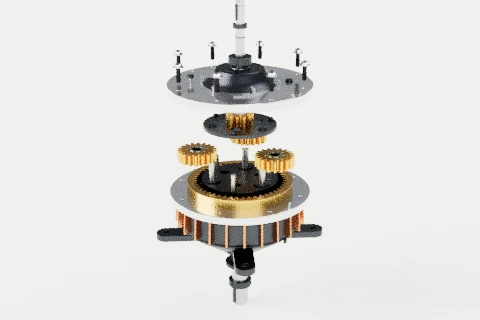
Studio traces the light the way offline renderers do: bounces off metal, through glass, into the shadows. The picture starts grainy and comes clean as the samples add up. These are real Studio renders of the gearbox, stopped at 4, 32 and 400 samples.
| Quality | Samples per pixel | Plans |
|---|---|---|
| Standard | 64 | Every plan |
| Final | 400 | Solo and up |
| Max | 1,500 | Solo and up |
Sizes: Full HD, portrait 1080 × 1350 and square 1080 × 1080 on every plan; 4K on Solo. Render several saved views in one go, and watch the time left as it works.
to scale · 4K is four Full HD pictures
Plans
On Free you can dress a model, light it and render it in Full HD. Free renders carry a MeshMarkup mark across the middle of the model, not in a corner, so it can’t be cropped away. Solo and up remove the mark and unlock the rest of Studio.
| Studio | Free | Solo | Studio | Pipeline |
|---|---|---|---|---|
| Materials on each part, light sets and renders | ||||
| Material library | 12 basics | Full library | Full library | Full library |
| Your own lights, HDRI and ground reflections | — | |||
| Renders | Full HD, watermarked | Up to 4K, final quality | Up to 4K, final quality | Up to 4K, final quality |
| Live ray-traced view while you work | — | |||
| Several looks per model | 1 | Unlimited | Unlimited | Unlimited |
| Show your Studio look to clients | — |
Yearly is 2 months off, billed once.
Trying it on a real job.
€0forever
One modeler, sending work out most weeks.
€24.17/month
€290 billed yearly
Less than one hour spent redoing a change the client already approved.
A team sharing the work, with seats and roles.
€74.17/month
€890 billed yearly
Lots of models, lots of people, and your own tools plugged in.
from€249/month
billed how it suits you
Compare every feature side by side — Studio, integrations and every limit, in one table.
Secure checkout with Stripe










Part of the review
Add a render to the model's Images and your client pins notes on the picture, next to the 3D model. Snapshots of saved angles live there too, for quick shots of every version.
Switch on Show this look to clients and the review link opens the model in your materials and light. They still turn it, measure and leave notes.
Studio renders in your browser tab. The model never goes to a render farm; a picture only leaves your computer when you add it to Images.
No. Studio runs in the browser on any computer with a graphics card made in the last few years, laptops included. A faster graphics card simply renders faster: a Final 4K render takes from under a minute to a few minutes.
No. The render is made in your browser tab. Nothing leaves your computer until you click Add to Images, and then only the picture.
Studio itself, 12 basic materials, the Studio, Warm and Cool light sets, white, grey or coloured backgrounds, and Standard renders at Full HD with a MeshMarkup mark across the model.
Yes, on Solo and up. Switch on Show this look to clients and the review link opens the model in your materials and light. They still turn it, measure and pin notes as usual.
Any model you can upload to MeshMarkup: GLB, glTF, FBX, OBJ, STL, STEP, IGES, 3DM and more. Each part in your file can take its own material, so keep parts separate when you export.
For lookdev on a model you're reviewing with a client, often yes: materials, light and a clean render without leaving the review. For animation, texture painting or complex scenes, keep your renderer and upload its pictures to Images.