Stop describing the render. Point at it.
Clients pin notes, boxes and arrows straight onto your images and PDFs. Every note gets a status, every round gets a sign-off. One link, no account for them.
No card · no trial clock · reviewers always free
- 0
- accounts for clients
- 1
- link per round
- 5
- markup tools

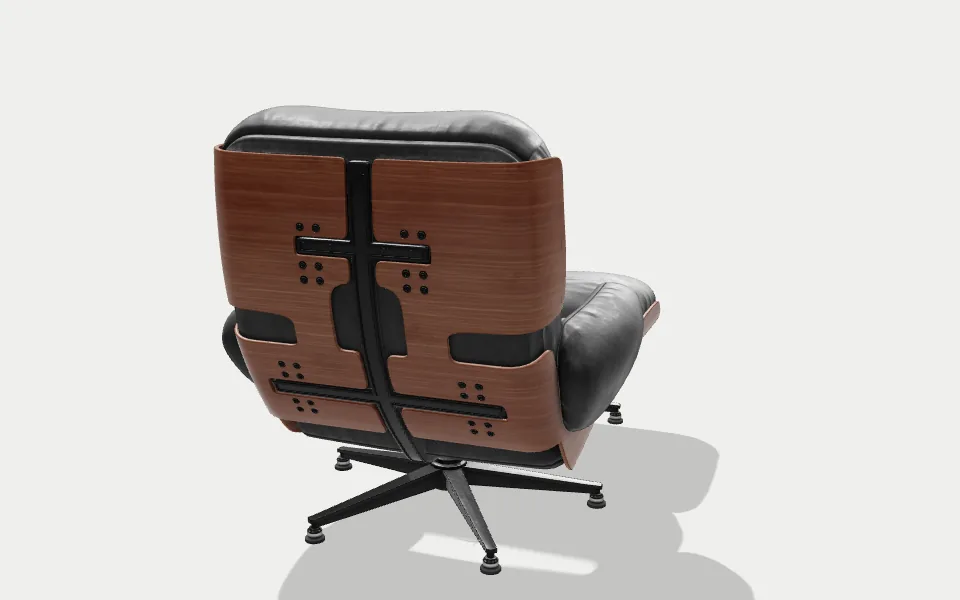
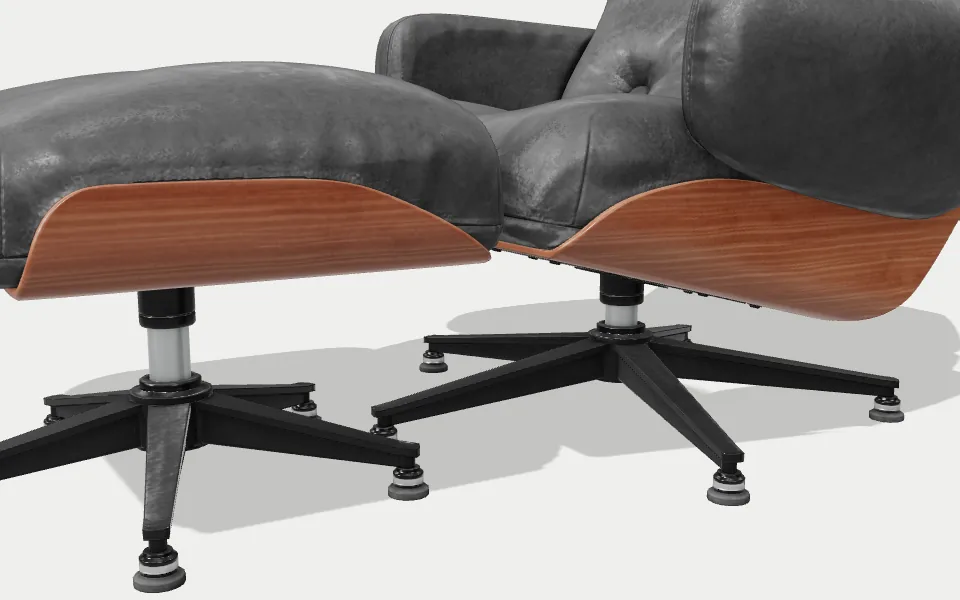
Can the buttons on the back cushion sit a little deeper?
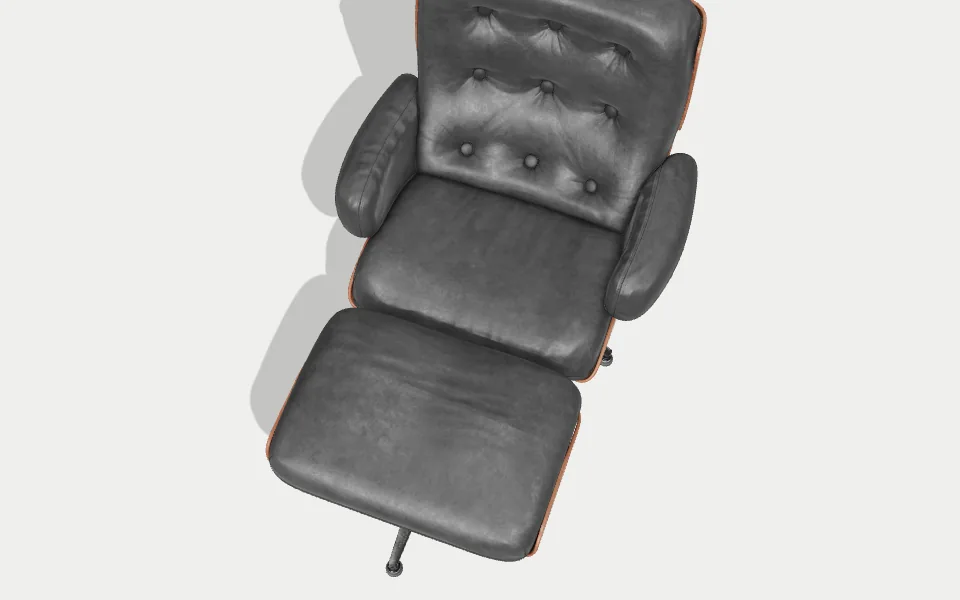
The leather reads flat here. Lift the rim light?
Show the base in bronze, like the sample.
Drop in:JPGPNGWebPEvery page of a PDFSnapshots from a 3D modelFull HD, 4K on Solo
How it works
Three steps. Your client does one of them, and doesn’t need an account for it.
Drop in your images
Renders, sketches, a drawing set. A PDF splits into pages you can mark up one by one.
Send one link
No account for them, nothing to install. It opens in the browser they already have.
They mark it up. You fix it.
Pins, boxes and arrows land on the pixel they mean. When nothing’s open, they sign it off.
Why MeshMarkup
Fewer rounds. Clearer feedback. Sign-off on the record.
The same render review, both ways.
Screenshots and email
“The buttons on the back look off in the second render. The one from the left?”
“I circled it in red on the PDF, attaching again.”
“Is this the latest one? final_v6_REAL.jpg?”
- Paint-overs in five apps, none matching the latest file
- Notes scattered over email, Slack and a call
- No way to tell if they looked or went quiet
- Approval is a reply that says “looks good”
With MeshMarkup
Buttons set 4 mm deeper, as asked.
Box drawn: the ottoman reads too wide against the spec.
Lighting reads flat. Rim light lifted.
- Every note pinned to the exact spot, on the latest version
- All the feedback in one list, for every image you have out
- See who opened the link and who hasn't
- Sign-off is dated and named, and blocked while anything is open
Markup tools
When words aren’t enough, draw on it.
Everything a reviewer needs to say “this, here”, without exporting, painting over and re-attaching. Every mark becomes a note with a status you both can see.
Pin a note
Click anywhere. The note sticks to that exact spot, at any zoom.
Draw a box
Frame an area: a material, a joint, a whole corner of the room.
Arrow, pen and highlight
Point from the problem to where it should go, sketch over it, or highlight a line on a drawing.
A status on every note
Open, in progress, resolved or won't fix. “Did you do the one about the seam?” answers itself.
Internal replies
Talk to your team on the same note. Your client never sees it, on every plan.
Every page of a PDF
Drawing sets and datasheets, marked up page by page.


VersionsSOLO
Show what changed. Don’t claim it.
Upload rev B over rev A and slide between them. Each revision keeps its own notes, and anything still open carries forward, so a fix can’t quietly vanish between rounds and get charged twice.
- Drag across the image to compare
- Open notes follow the new upload
- Months later, see why it ended up like that
ApprovalSOLO
“Looks good 👍” isn’t a sign-off. This is.
The approver signs off inside the review, on a sign-off link. It’s dated and named, and it can’t happen while a note is still open, so nobody approves by accident, and nobody can say they didn’t.


Approved by Maren Holt
14 Oct 2026, 16:42 · rev B
Sharing
Find out who actually looked.
Give each person their own link and see who opened it. The client can comment, the art director can approve, a supplier can only look. Switch any link off and keep everything said through it. Reviewers never cost a seat.
Review round 3 · lounge-chair renders
+ New link · look only / comment / sign off
One tool, every stage
From first sketch to final render, review it in one place.
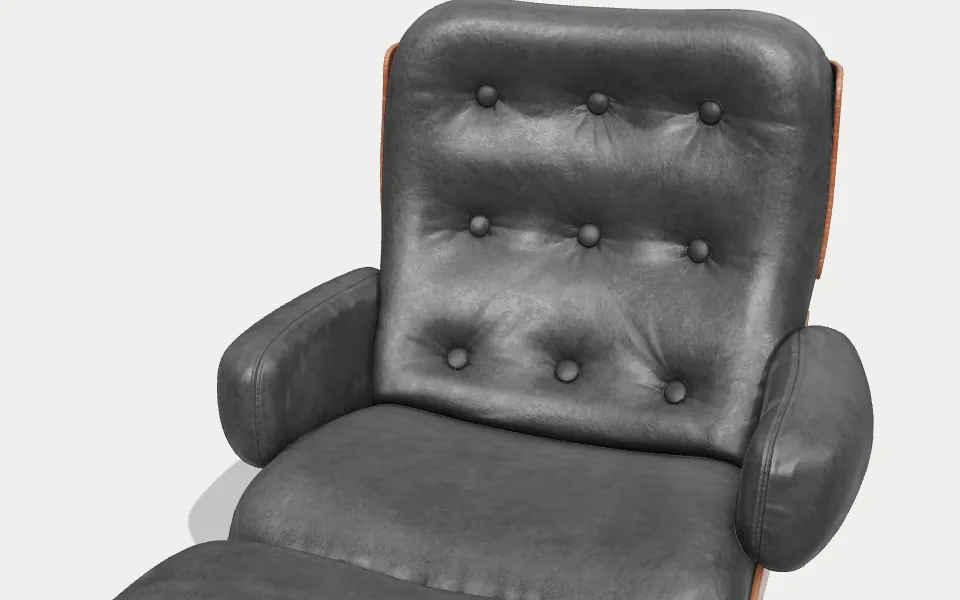
Mark up any render
Send the whole set: hero shot, details, alternates. Clients pin, box and arrow exactly what needs to change, and every note gets a status.
Who it’s for
Built for people who send pictures for a living.
3D artists and visualisers
Send the render set, get pinned notes back, re-render once.
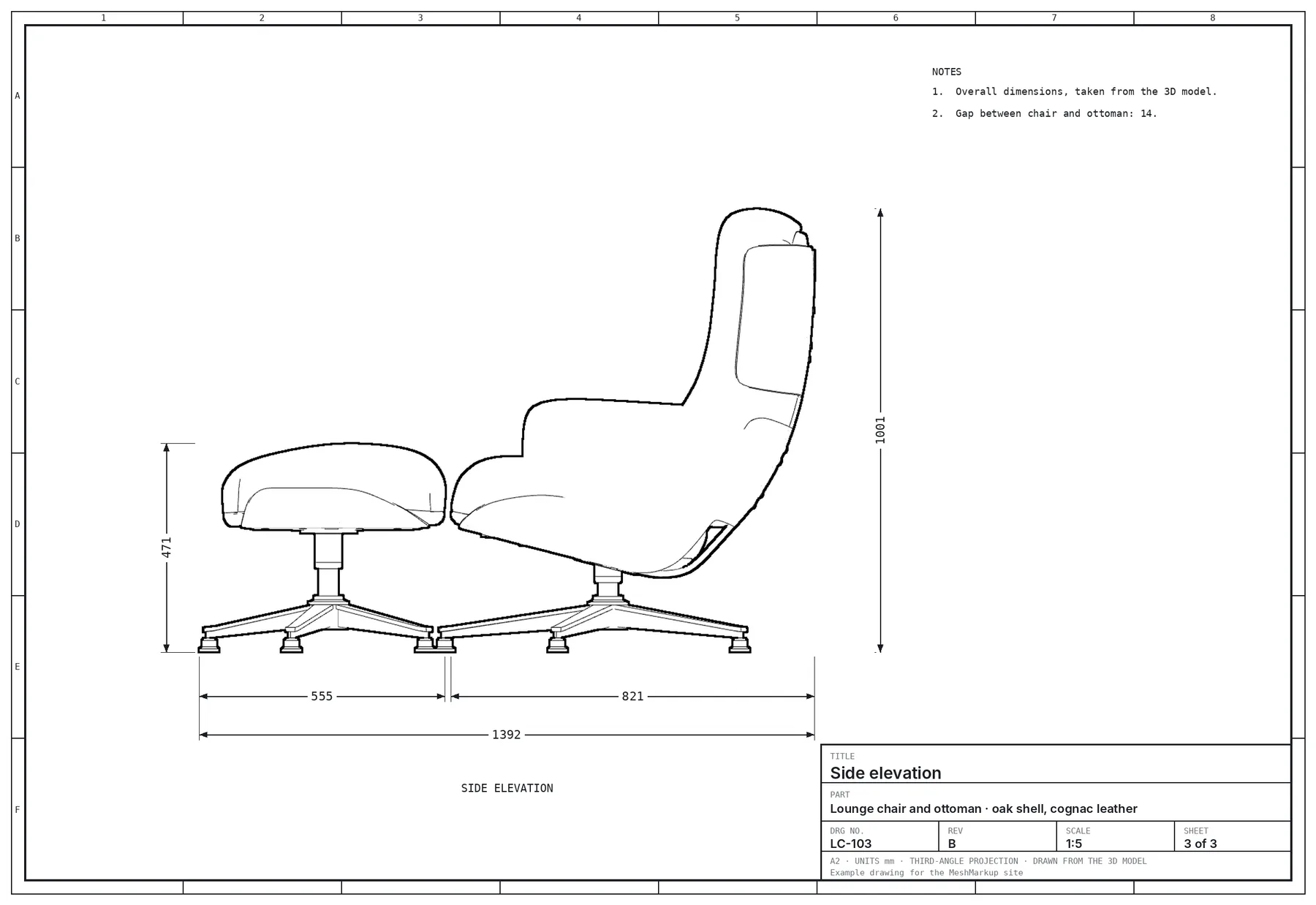
CAD and product designers
Mark up drawings and PDFs with engineering and suppliers in one place.

Agencies and art directors
Approve on the record, with your team's internal notes kept private.
Freelancers
Look like a studio. Stop paying for revisions you already did.
Integrations
Feedback goes where your work already lives.
The Blender add-on is on every plan. The rest come withSOLO
See all integrations →


Slack, Teams, Discord
New notes in a channel.



Task tools
Notes become tasks in Jira, Asana, Trello and more.


Zapier and Make
Send what happens anywhere else.

Blender add-on
Send for review without leaving Blender.
Webhooks
React to approvals and new notes.
API
Plug MeshMarkup into your pipeline.
Got the 3D model too?
Put it in the same link. Clients pin notes on the geometry, and you see the view they were looking from. Same statuses, same sign-off.
Included on every plan
Everything you need to get a render signed off.
- Pins, boxes, arrows and highlights
- Unlimited free reviewers
- Guests never sign up
- Statuses on every note
- Internal replies
- Private links, with an expiry if you want one
- Blender add-on
- Works in any browser
| Why studios switch | MeshMarkup | Email and screenshots |
|---|---|---|
| Pins, boxes and arrows on images and PDFs | ||
| Reviewers never create an account | ||
| A status on every note | ||
| Internal replies your client never sees | ||
| Open notes carry over to the next version | ||
| Sign-off blocked while notes are open | ||
| The 3D model in the same link | ||
| Snapshots from the model at saved angles |
Start free. Upgrade when you need more.
Reviewers are always free and unlimited. Pay yearly and get two months free.
Yearly is 2 months off, billed once.
Free
Trying it on a real job.
€0forever
- 3 new models every 30 days
- 1 version per model
- 50 MB storage
- 1 image or snapshot per model, Full HD
- 1 seat, plus free reviewers
- Pinned notes, replies and “looks good”
- Studio: materials, lighting, Full HD renders with our mark
- Animations play for you, plus one 5-second video
- Embed and host models, with “Powered by MeshMarkup”, 200 views a month
- Blender add-on
Solo
One modeler, sending work out most weeks.
€24.17/month
€290 billed yearly
Less than one hour spent redoing a change the client already approved.
- 25 active models
- Unlimited versions
- 20 GB storage
- Unlimited images, PDFs and snapshots, up to 4K
- 1 seat, plus free reviewers
- Client sign-off on the record
- Full Studio: every material, your own lights, 4K renders, no mark
- Animations: clients play them, notes at a moment, videos in Full HD
- Embed and host models, no badge, a 3D configurator
- Integrations: Slack, task tools, folders, API and webhooks
Studio
A team sharing the work, with seats and roles.
€74.17/month
€890 billed yearly
- 250 active models
- Unlimited versions
- 200 GB storage
- Unlimited images, PDFs and snapshots, up to 4K
- 5 seats, plus free reviewers
- Client sign-off on the record
- Full Studio: every material, your own lights, 4K renders, no mark
- Animations: clients play them, notes at a moment, videos up to 4K
- Embed and host models, no badge, configurators in embeds
- Integrations: Slack, task tools, folders, API and webhooks
Pipeline
Lots of models, lots of people, and your own tools plugged in.
from€249/month
billed how it suits you
- Unlimited models
- Unlimited versions
- 2 TB storage
- Unlimited images, PDFs and snapshots, up to 4K
- Unlimited seats, plus free reviewers
- Client sign-off on the record
- Full Studio: every material, your own lights, 4K renders, no mark
- Animations: clients play them, notes at a moment, videos up to 4K
- Embed and host models, no badge, configurators in embeds
- Integrations: Slack, task tools, folders, API and webhooks
Compare every feature side by side — every limit, in one table.
Secure checkout with Stripe










- 256-bit SSL encrypted
- Cancel any time
- No setup fee
We protect your data
Your models stay yours.
Unreleased products and client work, before anyone is meant to see them. Here is exactly what happens to your images and drawings.
Read the privacy policy →Encrypted on the way and at rest
Every file travels over HTTPS and is stored encrypted at rest. That goes for the model, its versions, its images and its textures.
Private until you share it
A model has no public address until you embed it or give it a page. Review links open through a pass that expires.
Switch it off in one click
Stop an embed, take a page down or switch off a link, and it stops working everywhere it was pasted, straight away.
Studios can't see each other
Separation is enforced by the database itself, not by page code, and keys to your connected apps are encrypted a second time.
Does my client need an account?
No. They open the link, type their name once and start pinning notes. No password, nothing to install, and they never use a seat.
Which file types can I upload?
JPG, PNG and WebP images, and PDFs. Every page of a PDF can be marked up on Solo and up; Free shows the first page. You can also take Full HD snapshots straight from a 3D model (4K on Solo).
Can I send a whole set of renders at once?
Yes, on Solo and up: one link holds every image, in the order you set. Free reviews one image or PDF per model.
What happens when I upload a new version?
Upload the image again under the same name and it becomes the next revision. The old one keeps its notes, anything still open carries over, and you can slide between the two to show what changed (Solo and up).
Can my client approve it?
On Solo and up, send a sign-off link: the client approves the exact version, with their name and the date, and it can't be approved while a note is still open. On Free they can still tell you “looks good” with one tap.
What if I cancel?
Your plan runs to the end of the period you paid for, then moves to Free. Nothing is deleted, and you can export your notes and history as a single file at any time.
Send one link. Get feedback you can act on.
Upload the render you were about to paste into an email. Send the link instead.
3 new models every 30 days · No card · No trial clock counting down